Microsoft Fabric · Planning guide
Microsoft Fabric in 2026: what data leaders should verify
Review Fabric's current workloads, governance boundaries, and rollout questions before you commit to an enterprise platform plan.

Microsoft Fabric brings data engineering, warehousing, data science, real-time processing, and business intelligence into one SaaS platform. That common foundation can reduce handoffs, but it does not remove architecture choices.
The useful 2026 question is not whether Fabric has enough features. It is whether a defined workload fits the platform’s current capabilities, controls, and cost model.
What Fabric combines
Fabric workloads share OneLake and a common administration experience. Teams can use lakehouses, warehouses, event data, notebooks, semantic models, and Power BI without building every connection between separate platforms.
The current Fabric overview is the best starting point for workload scope. Check the linked documentation for each item because availability and regional support can change.
This shared platform can simplify delivery in a few specific ways:
- moving governed data between engineering and analytics work
- reusing identities, lineage, and workspace conventions
- operating reports and data products through one service boundary
It does not make every workload identical. A warehouse, lakehouse, event stream, and semantic model still have different query, security, deployment, and performance behaviour.
Decisions to settle before adoption
Name the first workload
Pick a business decision, report, or data product with a clear owner. Record its sources, freshness target, consumers, and current cost. A platform migration without that boundary is hard to test or stop.
Choose the serving pattern
Decide whether the workload needs T-SQL, Spark, real-time queries, a semantic model, or a combination. Then test the exact item types and client tools. Avoid treating the word “unified” as proof that all engines behave the same way.
Design the operating model
Define who owns workspaces, deployment, access reviews, incidents, and capacity decisions. The Fabric CI/CD documentation and permission model expose constraints that should shape this design.
Separate preview from production
Fabric changes quickly. Record the status of every required feature, the supported regions and engines, and what happens if a preview changes. A production design should not depend on a preview by accident.
Governance begins with access paths
Workspace roles, item permissions, SQL permissions, and OneLake data roles can overlap. Document how each user or service reaches the data, not only the role assigned in one screen.
Use a small access matrix during design:
| Question | Evidence to capture |
|---|---|
| Who can discover the item? | Workspace and item permissions |
| Who can read the underlying data? | OneLake, SQL, and semantic-model controls |
| Which identity runs automation? | Service principal, managed identity, or user connection |
| Who reviews access? | Named owner and review interval |
Microsoft’s OneLake security guidance explains the data-plane role model. Test it with every compute engine your workload will use.
Capacity is an engineering constraint
Fabric capacity is shared across workloads. A short burst from one job can affect other work even when average use looks acceptable.
Before scaling, capture:
- the workload’s peak and background activity
- refresh, Spark, SQL, and Power BI concurrency
- throttling behaviour under representative load
- storage, network, and user-licence costs outside the capacity purchase
Use the Fabric Capacity Metrics app during a controlled pilot. Capacity planning needs measured usage, not a generic sizing ratio.
A practical rollout sequence
- Baseline the current workload and its failure modes.
- Build the smallest end-to-end path in a nonproduction workspace.
- Test access, recovery, deployment, monitoring, and cost under load.
- Publish a support model with named owners.
- Expand only when the first workload meets its acceptance gates.
Fabric can reduce platform friction when the shared foundation matches the work. The enterprise plan still needs explicit choices about data, engines, identity, deployment, and capacity.
Microsoft Fabric
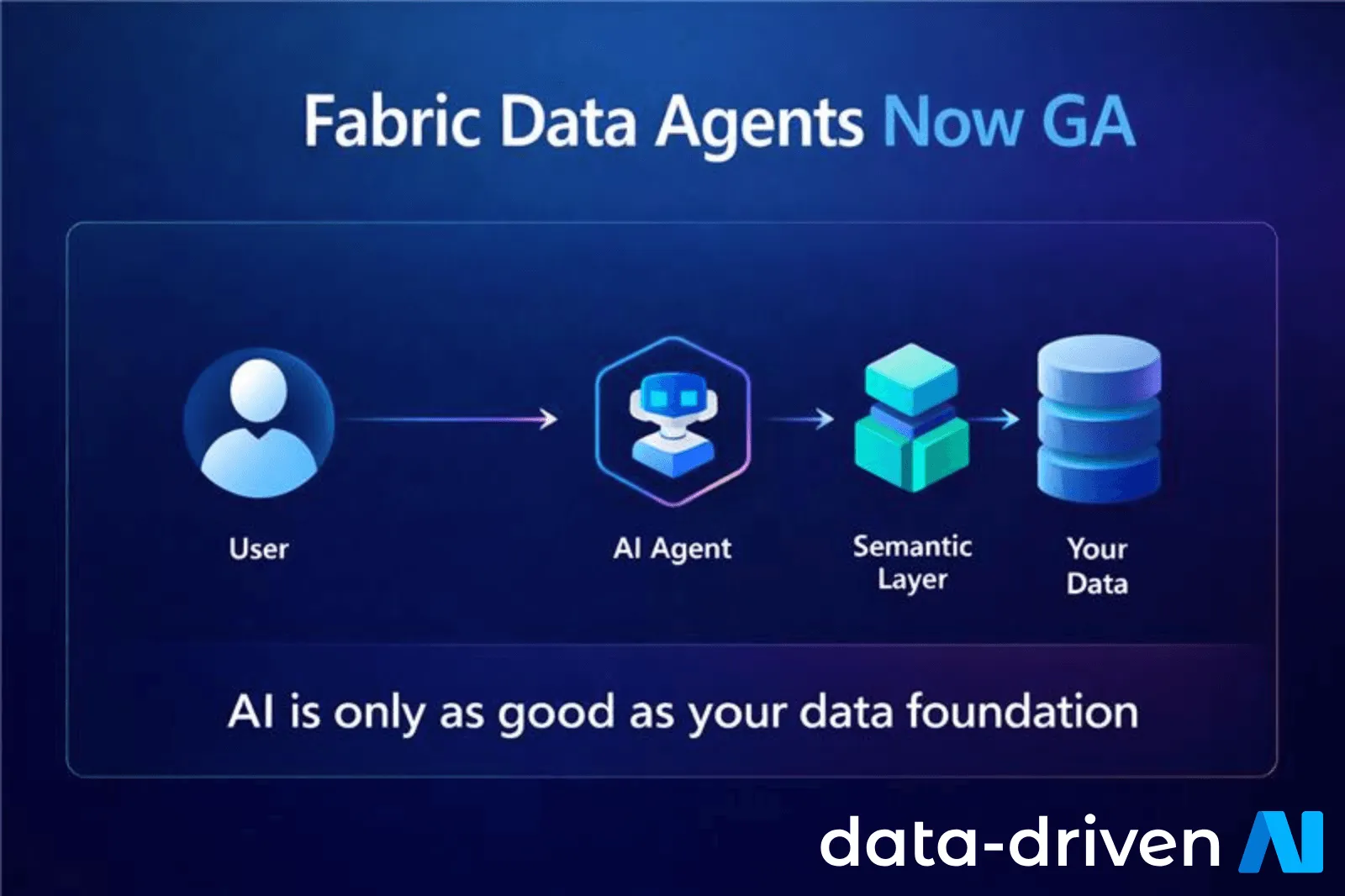
Microsoft Fabric Data Agents: A Production Readiness Guide
Learn how Data Agents use Fabric sources, why semantic models matter, and what to review before a governed rollout.
Microsoft Fabric
Microsoft's Osmos Acquisition and Fabric Data Engineering
What Microsoft's Osmos acquisition could change for Fabric data engineering, OneLake workflows, governance, and platform planning.

Microsoft Fabric
Azure Analytics Costs: Where Microsoft Fabric Fits
Trace analytics costs across compute, licensing, storage, and data movement, then assess where Fabric and FinOps practices may help.
Planning a governed Fabric rollout?
Define the first workload, operating model, and evidence gates before you scale.
'%3e%3cpath%20style='%20stroke:none;fill-rule:nonzero;fill:%230078d4;fill-opacity:1;'%20d='M%20130.835938%200.808594%20L%20246.300781%200.808594%20L%20126.433594%20355.867188%20C%20125.824219%20357.679688%20124.929688%20359.386719%20123.792969%20360.925781%20C%20122.65625%20362.46875%20121.285156%20363.816406%20119.726562%20364.933594%20C%20118.171875%20366.050781%20116.457031%20366.917969%20114.628906%20367.5%20C%20112.804688%20368.085938%20110.902344%20368.386719%20108.992188%20368.386719%20L%2019.128906%20368.386719%20C%2016.214844%20368.386719%2013.335938%20367.695312%2010.742188%20366.359375%20C%208.144531%20365.03125%205.902344%20363.097656%204.199219%20360.726562%20C%202.496094%20358.355469%201.382812%20355.613281%200.949219%20352.730469%20C%200.515625%20349.84375%200.78125%20346.894531%201.710938%20344.132812%20L%20113.386719%2013.320312%20C%20113.996094%2011.507812%20114.890625%209.800781%20116.03125%208.261719%20C%20117.167969%206.722656%20118.542969%205.371094%20120.09375%204.253906%20C%20121.648438%203.140625%20123.367188%202.273438%20125.191406%201.6875%20C%20127.015625%201.101562%20128.917969%200.800781%20130.832031%200.800781%20L%20130.832031%200.804688%20Z%20M%20130.835938%200.808594%20'%3e%3c/path%3e%3c/g%3e%3cg%20clip-rule='nonzero'%20clip-path='url(%23b1ce87f571)'%3e%3cpath%20style='%20stroke:none;fill-rule:nonzero;fill:%2302b2fe;fill-opacity:1;'%20d='M%20485.054688%200.800781%20L%20404.832031%200.800781%20C%20391.472656%200.800781%20380.636719%2011.625%20380.636719%2024.976562%20L%20380.636719%20316.339844%20L%20278.34375%2013.316406%20C%20278.03125%2012.417969%20277.679688%2011.5625%20277.210938%2010.703125%20C%20276.78125%209.84375%20276.273438%209.027344%20275.6875%208.246094%20C%20275.414062%207.855469%20275.101562%207.503906%20274.792969%207.15625%20C%20274.441406%206.765625%20274.128906%206.414062%20273.777344%206.101562%20C%20273.113281%205.402344%20272.410156%204.816406%20271.628906%204.269531%20C%20270.070312%203.140625%20268.351562%202.28125%20266.558594%201.695312%20C%20264.722656%201.113281%20262.8125%200.800781%20260.898438%200.800781%20L%20132.210938%200.800781%20C%20134.121094%200.800781%20136.03125%201.113281%20137.867188%201.695312%20C%20139.660156%202.28125%20141.378906%203.140625%20142.941406%204.269531%20C%20145.671875%206.21875%20147.816406%208.871094%20149.144531%2011.949219%20C%20149.222656%2012.144531%20149.300781%2012.300781%20149.339844%2012.496094%20C%20149.457031%2012.769531%20149.574219%2013.042969%20149.652344%2013.316406%20L%20261.328125%20344.128906%20C%20261.367188%20344.246094%20261.40625%20344.363281%20261.40625%20344.480469%20L%20265.269531%20355.863281%20C%20265.894531%20357.695312%20266.792969%20359.375%20267.921875%20360.933594%20C%20269.054688%20362.453125%20270.421875%20363.816406%20271.980469%20364.949219%20C%20273.542969%20366.039062%20275.257812%20366.898438%20277.054688%20367.484375%20C%20278.886719%20368.066406%20280.800781%20368.378906%20282.710938%20368.378906%20L%20404.660156%20368.378906%20C%20404.71875%20368.378906%20404.773438%20368.386719%20404.832031%20368.386719%20L%20485.054688%20368.386719%20C%20498.417969%20368.386719%20509.25%20357.566406%20509.25%20344.214844%20L%20509.25%2024.976562%20C%20509.25%2011.625%20498.417969%200.800781%20485.054688%200.800781%20Z%20M%20485.054688%200.800781%20'%3e%3c/path%3e%3c/g%3e%3c/g%3e%3c/svg%3e)










