Copilot Studio · Governance guide
Move Copilot Studio agents from trigger to governed action
Understand triggers, connectors, controls, monitoring, and human review before deploying Copilot Studio agents across workflows.

Microsoft Copilot Studio agents can respond to a user or react to an event, choose a tool, and take an action. That makes identity and workflow design as important as the model response.
Start with one event and one bounded outcome. Do not give an agent broad access in case a future use appears.
Define the action contract
Write the workflow as a short contract:
- the event or user request that starts it
- the context the agent may read
- the decision it may support
- the tools and records it may change
- the conditions that require human approval
- the person who owns failure and recovery
This exposes whether the task needs generative reasoning. Deterministic checks and fixed business rules should remain explicit where possible.
Treat triggers as privileged entry points
Microsoft documents event triggers that let an agent react when another system changes. The current guidance warns that trigger connectors use the agent maker’s credentials.
That can allow a published agent to reach data or actions through the maker’s authorisation. Review every connection, apply least privilege, separate development and production identities, and plan for credential ownership and renewal.
Event triggers can also affect billing. Confirm current licensing and expected event volume before release.
Bound knowledge and tools separately
Knowledge gives the agent context for an answer. Tools let it call an API, run a flow, or change a system. Access to one should not imply access to the other.
For each source or tool, record:
- the identity and permission used
- allowed records and operations
- input and output validation
- timeout, retry, and duplicate behaviour
- audit data and retention
- a way to disable the connection
Keep approval at consequential decisions
Require a person to approve actions that affect money, access, safety, employment, legal rights, or an external commitment. Show the reviewer the source evidence, proposed action, and material uncertainty.
An approval button is not enough if the reviewer cannot understand what will happen.
Evaluate the workflow before publishing
Build a test set that includes normal cases, vague requests, conflicting sources, denied users, tool failure, repeated events, and malicious instructions in retrieved content.
Measure task completion, unsupported claims, wrong actions, access violations, escalation, and recovery. Run the tests again when instructions, knowledge, tools, models, or connector permissions change.
Microsoft’s autonomous-agent design guidance provides the current product pattern. The original 2025 article linked to Microsoft customer examples; those dated examples do not replace testing in your own process.
Monitor the business outcome
After release, review events, tool calls, approvals, failures, cost, and user corrections. Assign an owner who can pause the agent and return the process to a manual path.
An agent is ready to scale when its authority is narrow, its evidence is testable, and its failures are recoverable.
Copilot
Microsoft Copilot Studio Updates: What Changed
Review the dated Copilot Studio changes to knowledge sources, Azure AI integration, and maker controls before using them in a rollout.
Copilot
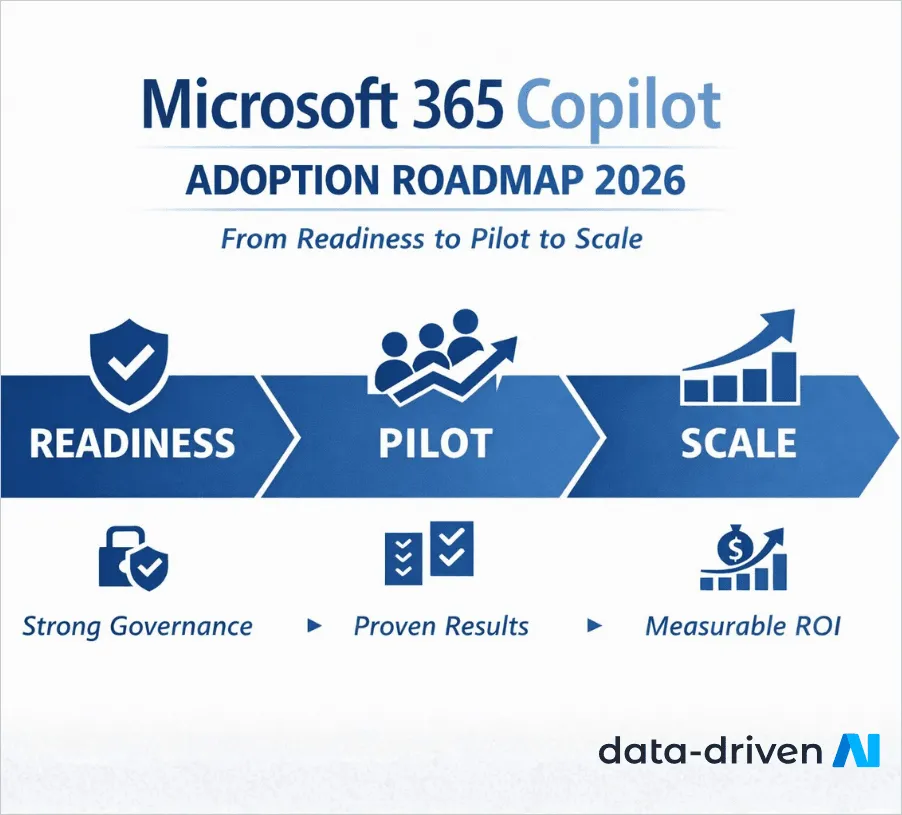
Microsoft 365 Copilot Adoption Roadmap
A phased enterprise roadmap for governance, readiness, pilot design, role-based training, support, measurement, and scale.

Copilot
Copilot for SQL vs. Traditional SQL Workflows
Compare query drafting, debugging, access, governance, and review practices across Copilot-assisted and manual SQL workflows, including human review.
Testing an agentic workflow?
Define the action boundary, data access, evaluation set, and operating owner.
'%3e%3cpath%20style='%20stroke:none;fill-rule:nonzero;fill:%230078d4;fill-opacity:1;'%20d='M%20130.835938%200.808594%20L%20246.300781%200.808594%20L%20126.433594%20355.867188%20C%20125.824219%20357.679688%20124.929688%20359.386719%20123.792969%20360.925781%20C%20122.65625%20362.46875%20121.285156%20363.816406%20119.726562%20364.933594%20C%20118.171875%20366.050781%20116.457031%20366.917969%20114.628906%20367.5%20C%20112.804688%20368.085938%20110.902344%20368.386719%20108.992188%20368.386719%20L%2019.128906%20368.386719%20C%2016.214844%20368.386719%2013.335938%20367.695312%2010.742188%20366.359375%20C%208.144531%20365.03125%205.902344%20363.097656%204.199219%20360.726562%20C%202.496094%20358.355469%201.382812%20355.613281%200.949219%20352.730469%20C%200.515625%20349.84375%200.78125%20346.894531%201.710938%20344.132812%20L%20113.386719%2013.320312%20C%20113.996094%2011.507812%20114.890625%209.800781%20116.03125%208.261719%20C%20117.167969%206.722656%20118.542969%205.371094%20120.09375%204.253906%20C%20121.648438%203.140625%20123.367188%202.273438%20125.191406%201.6875%20C%20127.015625%201.101562%20128.917969%200.800781%20130.832031%200.800781%20L%20130.832031%200.804688%20Z%20M%20130.835938%200.808594%20'%3e%3c/path%3e%3c/g%3e%3cg%20clip-rule='nonzero'%20clip-path='url(%23b1ce87f571)'%3e%3cpath%20style='%20stroke:none;fill-rule:nonzero;fill:%2302b2fe;fill-opacity:1;'%20d='M%20485.054688%200.800781%20L%20404.832031%200.800781%20C%20391.472656%200.800781%20380.636719%2011.625%20380.636719%2024.976562%20L%20380.636719%20316.339844%20L%20278.34375%2013.316406%20C%20278.03125%2012.417969%20277.679688%2011.5625%20277.210938%2010.703125%20C%20276.78125%209.84375%20276.273438%209.027344%20275.6875%208.246094%20C%20275.414062%207.855469%20275.101562%207.503906%20274.792969%207.15625%20C%20274.441406%206.765625%20274.128906%206.414062%20273.777344%206.101562%20C%20273.113281%205.402344%20272.410156%204.816406%20271.628906%204.269531%20C%20270.070312%203.140625%20268.351562%202.28125%20266.558594%201.695312%20C%20264.722656%201.113281%20262.8125%200.800781%20260.898438%200.800781%20L%20132.210938%200.800781%20C%20134.121094%200.800781%20136.03125%201.113281%20137.867188%201.695312%20C%20139.660156%202.28125%20141.378906%203.140625%20142.941406%204.269531%20C%20145.671875%206.21875%20147.816406%208.871094%20149.144531%2011.949219%20C%20149.222656%2012.144531%20149.300781%2012.300781%20149.339844%2012.496094%20C%20149.457031%2012.769531%20149.574219%2013.042969%20149.652344%2013.316406%20L%20261.328125%20344.128906%20C%20261.367188%20344.246094%20261.40625%20344.363281%20261.40625%20344.480469%20L%20265.269531%20355.863281%20C%20265.894531%20357.695312%20266.792969%20359.375%20267.921875%20360.933594%20C%20269.054688%20362.453125%20270.421875%20363.816406%20271.980469%20364.949219%20C%20273.542969%20366.039062%20275.257812%20366.898438%20277.054688%20367.484375%20C%20278.886719%20368.066406%20280.800781%20368.378906%20282.710938%20368.378906%20L%20404.660156%20368.378906%20C%20404.71875%20368.378906%20404.773438%20368.386719%20404.832031%20368.386719%20L%20485.054688%20368.386719%20C%20498.417969%20368.386719%20509.25%20357.566406%20509.25%20344.214844%20L%20509.25%2024.976562%20C%20509.25%2011.625%20498.417969%200.800781%20485.054688%200.800781%20Z%20M%20485.054688%200.800781%20'%3e%3c/path%3e%3c/g%3e%3c/g%3e%3c/svg%3e)










