SQL database · Workflow comparison
Compare AI-assisted and manual SQL workflows
Compare query drafting, debugging, access, governance, and review practices across Copilot-assisted and manual SQL workflows, including human review.

Copilot in the SQL database workload in Microsoft Fabric can shorten parts of a SQL workflow. It does not replace database design, permissions, testing, or peer review.
The useful comparison is not AI versus people. It is an assisted workflow versus an unassisted one, with the same engineering controls around both.

What Copilot for SQL can do
Microsoft documents four core capabilities in Fabric SQL database:
- natural-language prompts that generate T-SQL
- inline T-SQL completion
- quick actions that explain or fix selected queries
- documentation-based questions and answers
Supported versions of SQL Server Management Studio and the MSSQL extension for Visual Studio Code can connect to a Fabric SQL database. Those clients can also provide grounded chat and execution-plan analysis. Exact behaviour varies by client.
Check the maintained Copilot in Fabric SQL database overview for current prerequisites and limitations.
Where the workflows differ
| Work area | Manual workflow | Copilot-assisted workflow | Control that remains |
|---|---|---|---|
| First draft | Write T-SQL from schema knowledge | Generate a draft from a prompt | Confirm intent, tables, joins, and filters |
| Completion | Recall or look up syntax | Accept or reject inline suggestions | Read every accepted change |
| Debugging | Read errors and inspect the query | Ask Copilot to explain or suggest a fix | Reproduce the fault and test the correction |
| Explanation | Add comments or walkthrough notes | Generate a plain-language explanation | Compare the explanation with the actual query |
| Performance | Inspect plans and runtime evidence | Request plan analysis where supported | Measure on representative data and load |
| Release | Review, test, version, and deploy | Review, test, version, and deploy | No change |
Copilot is most useful at the drafting and explanation stages. The release path should remain evidence-led.
What Copilot does not know
Microsoft says Copilot in this workload has access to the database schema, not the underlying data, when it evaluates a request. A plausible query can still use the wrong business rule, date boundary, grain, or join.
The product documentation also warns that responses can be inaccurate or low quality. People who can judge the output should review it before use.
That boundary matters most when a query:
- changes data or schema
- affects financial, safety, legal, or customer decisions
- joins data with different security classifications
- scans a large production workload
- becomes part of a scheduled pipeline or report
Access and governance stay with the platform
Copilot does not bypass Microsoft Entra authentication, Fabric permissions, SQL permissions, or organisational policy. A user should have only the database access required for their task.
Before enabling the feature, confirm:
- tenant and capacity prerequisites
- approved regions and data-processing settings
- role and SQL permission design
- prompt and response handling
- logging and audit requirements
- a separate development and test path
Microsoft’s privacy, security, and responsible-use guidance describes the product’s data boundary.
A reviewable assisted workflow
- State the question, expected grain, and allowed data.
- Ask Copilot for a read-only draft.
- inspect the tables, joins, filters, and null behaviour.
- Run the query in a safe environment with a bounded result.
- Compare results with a known sample or independent query.
- Review the execution plan and resource impact.
- Commit the approved SQL through the normal version and release process.
For write operations, require explicit approval and a rollback plan. Generated SQL should be treated like code from any other contributor.
Measure the workflow, not the novelty
Compare assisted and manual work on the same class of task. Useful measures include review time, escaped defects, query cost, incident rate, and the share of drafts that need substantial correction.
A faster first draft is valuable only when the complete, reviewed result is also correct and supportable.
Copilot
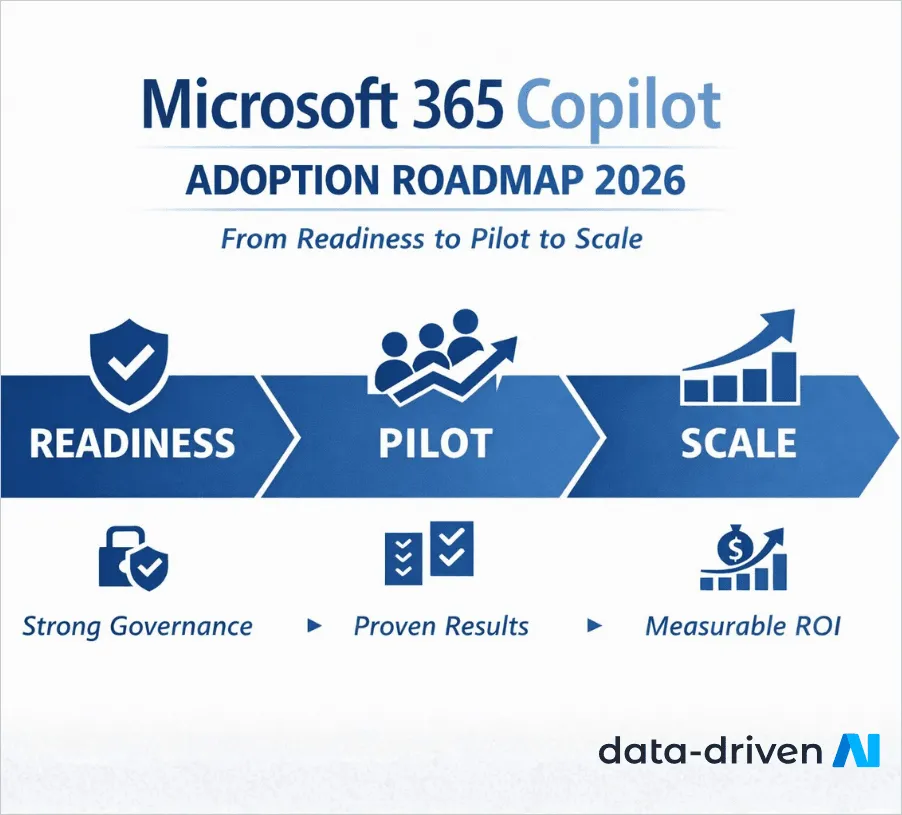
Microsoft 365 Copilot Adoption Roadmap
A phased enterprise roadmap for governance, readiness, pilot design, role-based training, support, measurement, and scale.
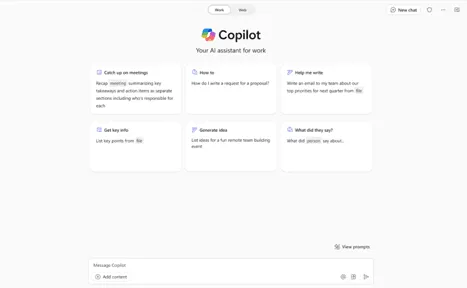
Copilot
Microsoft Copilot Studio Updates: What Changed
Review the dated Copilot Studio changes to knowledge sources, Azure AI integration, and maker controls before using them in a rollout.

Copilot
Microsoft Copilot Studio Agents: A Governance Guide
Understand triggers, connectors, controls, monitoring, and human review before deploying Copilot Studio agents across workflows.
Define a safe SQL assistance workflow
Map access, review, testing, and release controls before broad adoption.
'%3e%3cpath%20style='%20stroke:none;fill-rule:nonzero;fill:%230078d4;fill-opacity:1;'%20d='M%20130.835938%200.808594%20L%20246.300781%200.808594%20L%20126.433594%20355.867188%20C%20125.824219%20357.679688%20124.929688%20359.386719%20123.792969%20360.925781%20C%20122.65625%20362.46875%20121.285156%20363.816406%20119.726562%20364.933594%20C%20118.171875%20366.050781%20116.457031%20366.917969%20114.628906%20367.5%20C%20112.804688%20368.085938%20110.902344%20368.386719%20108.992188%20368.386719%20L%2019.128906%20368.386719%20C%2016.214844%20368.386719%2013.335938%20367.695312%2010.742188%20366.359375%20C%208.144531%20365.03125%205.902344%20363.097656%204.199219%20360.726562%20C%202.496094%20358.355469%201.382812%20355.613281%200.949219%20352.730469%20C%200.515625%20349.84375%200.78125%20346.894531%201.710938%20344.132812%20L%20113.386719%2013.320312%20C%20113.996094%2011.507812%20114.890625%209.800781%20116.03125%208.261719%20C%20117.167969%206.722656%20118.542969%205.371094%20120.09375%204.253906%20C%20121.648438%203.140625%20123.367188%202.273438%20125.191406%201.6875%20C%20127.015625%201.101562%20128.917969%200.800781%20130.832031%200.800781%20L%20130.832031%200.804688%20Z%20M%20130.835938%200.808594%20'%3e%3c/path%3e%3c/g%3e%3cg%20clip-rule='nonzero'%20clip-path='url(%23b1ce87f571)'%3e%3cpath%20style='%20stroke:none;fill-rule:nonzero;fill:%2302b2fe;fill-opacity:1;'%20d='M%20485.054688%200.800781%20L%20404.832031%200.800781%20C%20391.472656%200.800781%20380.636719%2011.625%20380.636719%2024.976562%20L%20380.636719%20316.339844%20L%20278.34375%2013.316406%20C%20278.03125%2012.417969%20277.679688%2011.5625%20277.210938%2010.703125%20C%20276.78125%209.84375%20276.273438%209.027344%20275.6875%208.246094%20C%20275.414062%207.855469%20275.101562%207.503906%20274.792969%207.15625%20C%20274.441406%206.765625%20274.128906%206.414062%20273.777344%206.101562%20C%20273.113281%205.402344%20272.410156%204.816406%20271.628906%204.269531%20C%20270.070312%203.140625%20268.351562%202.28125%20266.558594%201.695312%20C%20264.722656%201.113281%20262.8125%200.800781%20260.898438%200.800781%20L%20132.210938%200.800781%20C%20134.121094%200.800781%20136.03125%201.113281%20137.867188%201.695312%20C%20139.660156%202.28125%20141.378906%203.140625%20142.941406%204.269531%20C%20145.671875%206.21875%20147.816406%208.871094%20149.144531%2011.949219%20C%20149.222656%2012.144531%20149.300781%2012.300781%20149.339844%2012.496094%20C%20149.457031%2012.769531%20149.574219%2013.042969%20149.652344%2013.316406%20L%20261.328125%20344.128906%20C%20261.367188%20344.246094%20261.40625%20344.363281%20261.40625%20344.480469%20L%20265.269531%20355.863281%20C%20265.894531%20357.695312%20266.792969%20359.375%20267.921875%20360.933594%20C%20269.054688%20362.453125%20270.421875%20363.816406%20271.980469%20364.949219%20C%20273.542969%20366.039062%20275.257812%20366.898438%20277.054688%20367.484375%20C%20278.886719%20368.066406%20280.800781%20368.378906%20282.710938%20368.378906%20L%20404.660156%20368.378906%20C%20404.71875%20368.378906%20404.773438%20368.386719%20404.832031%20368.386719%20L%20485.054688%20368.386719%20C%20498.417969%20368.386719%20509.25%20357.566406%20509.25%20344.214844%20L%20509.25%2024.976562%20C%20509.25%2011.625%20498.417969%200.800781%20485.054688%200.800781%20Z%20M%20485.054688%200.800781%20'%3e%3c/path%3e%3c/g%3e%3c/g%3e%3c/svg%3e)