
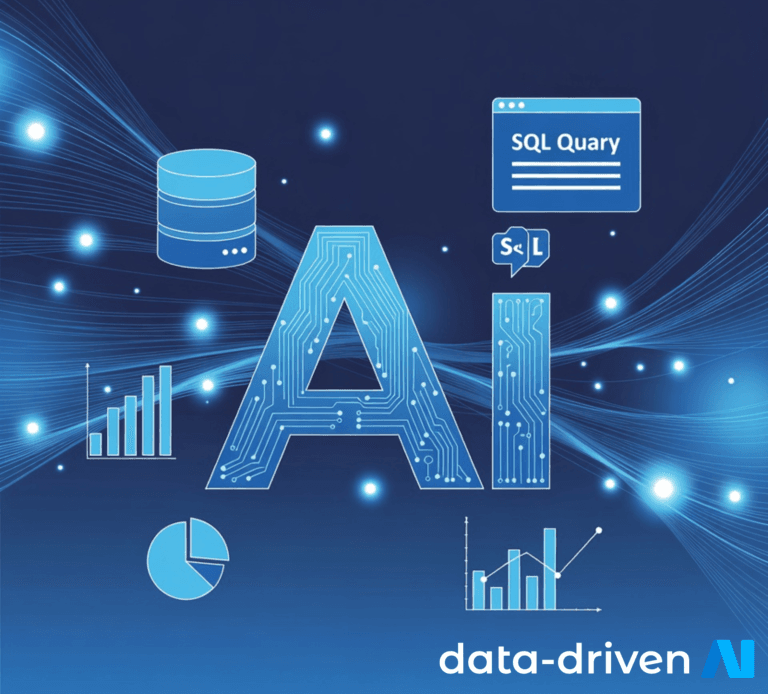
Copilot for SQL Database helps teams write, debug, and optimize SQL faster than traditional manual workflows. When paired with the governance and integrated data plane of Microsoft Fabric, businesses gain faster time-to-insight, fewer errors, more democratized analytics, and clearer compliance all of which translate to measurable productivity and cost improvements.
SQL remains the backbone of analytics and transactional systems, but traditional SQL workflows (manual query writing, versioning outside the platform, long review cycles) create bottlenecks. The rise of AI-assisted development specifically Copilot for SQL Database accelerates those workflows by generating queries, suggesting optimizations, and translating business questions into SQL. Combined with Fabric’s unified data features, this becomes a business multiplier.
Copilot for SQL Database is an AI assistant that helps users:
Convert natural language questions into SQL queries.
Suggest indexes, joins, and optimizations.
Explain query results and flag potential data-quality issues.
Generate parameterized scripts for repeatable reports.
Because it reduces the need for hand-coding, stakeholders from data analysts to product managers can move from idea to result faster.
Typical traditional SQL workflows include:
Manually writing queries in IDEs or database consoles.
Peer code reviews for SQL scripts and stored procedures.
Manual optimization (indexing, explain plans).
Separate version control and deployment steps.
Siloed access for non-SQL users (reports requested via tickets).
These steps add latency, create risk of human error, and limit who can access insights.
| Area | Traditional SQL Workflows | Copilot for SQL Database |
|---|---|---|
| Query generation | Manual, time-consuming | Natural-language → SQL suggestions |
| Debugging | Manual EXPLAIN plan analysis | Suggests fixes and explains plans |
| Accessibility | SQL-only users | Business users can draft queries |
| Governance | Manual controls, fragmented | Integrates with Fabric governance (policies, lineage) |
| Speed | Slower, iterative | Faster prototyping + fewer iterations |
| Error rate | Higher (typos, logic bugs) | Lower with AI suggestions and validations |
Faster time-to-insight
Copilot turns questions into queries; Fabric provides unified storage and compute insights that used to take days can happen in hours.
Higher developer productivity
Engineers spend less time on boilerplate SQL and tuning, and more time on modeling and business logic.
Democratized analytics
Non-technical users can draft queries in plain English, accelerating self-service BI while keeping control.
Improved query quality & performance
AI-suggested optimizations plus Fabric’s monitoring reduce slow queries and resource waste.
Stronger governance and lineage
Fabric centralizes policies and lineage, making AI-generated queries auditable and compliant.
Lower operational cost
Faster development cycles and fewer inefficient queries reduce cloud compute spend.
Ad-hoc reporting: Business users ask questions in natural language, get SQL and charts faster.
Data exploration: Analysts iterate through hypotheses with Copilot-generated queries.
ETL/ELT scripting: Copilot helps craft transformations and suggests more efficient JOINs/aggregations.
On-call incident response: Engineers quickly surface root-cause data with AI-suggested queries.
Governed self-service BI: Non-technical teams run queries that respect security and data policies enforced in Fabric.
Enable Copilot access on your SQL endpoints and assign role-based permissions.
Connect Fabric workspaces and register sources so Copilot can operate on governed data.
Add cost and performance guards (query limits, resource-class enforcement).
Train internal playbooks: when to trust AI-suggested SQL and when to peer-review.
Monitor query lineage and audit logs for compliance.
Reduction in query development time (hours → %)
Fewer ticketed report requests (volume reduction)
Decrease in slow/expensive queries (cost savings %)
Increase in self-service adoption (number of active non-SQL users)
Time saved in incident resolution